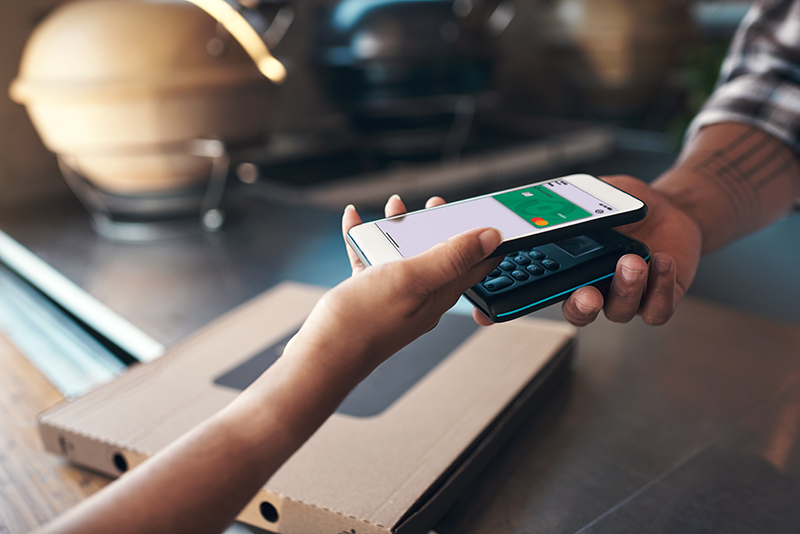
Use your Savers Bank debit card from your phone and make purchases in seconds, wherever you shop.
How to set up Apple Pay:
Open the Wallet app on your iPhone
Tap on the + symbol on the top right
Tap on Debit or Credit Card
Read the details and tap the continue button
Position your Savers Bank debit card on the side with your account numbers in the frame to scan it or enter it manually
Once you scan your card, you may be prompted to call Savers Bank Wallet Card Activation Center for card verification
You are now ready to pay with your debit card through Apple Pay in the Wallet app.
How to set up Google Pay for Android phones:
Download the Google Pay app from the Google Play Store™ on your compatible Android device
Tap ‘+’ to add your eligible Savers Bank debit card
Confirm your details
You’re all set to make contactless payments using your Android smartphone
How to set up Samsung Pay:
Download the Samsung Wallet app from the Galaxy Store
Sign in to your Samsung account and choose your verification method
Use your phone's camera to capture your card information or manually add the details
Choose a verification code option to verify your identity
You’re all set to start using Samsung Pay
*Apple and Apple Pay are trademarks of Apple Inc., registered in the U.S. and other countries. Google Pay and the Google Logo are trademarks of Google LLC. Samsung and Samsung Pay are registered trademarks of Samsung Electronics Co., Ltd.